2. Installation
2.1. Setup Process
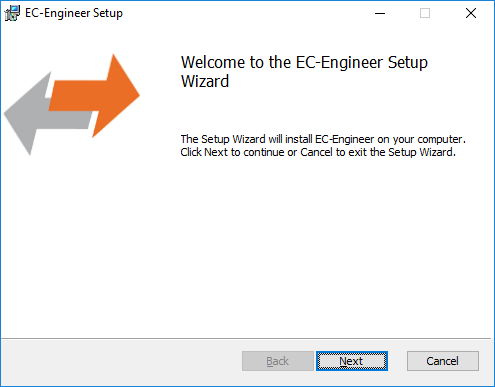
The product can be installed by executing the setup.exe (requires administrator privileges) and follow the screen instructions:
- Welcome page:
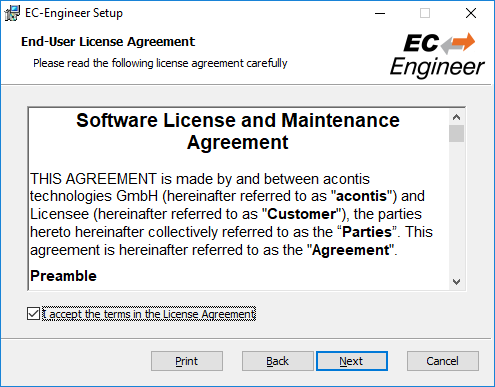
- License Agreement:
- Select Installation Folder:
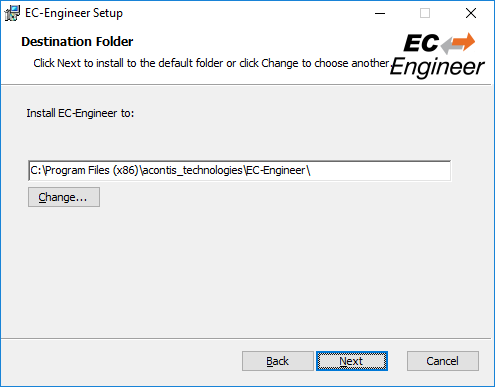
- Confirm Installation:
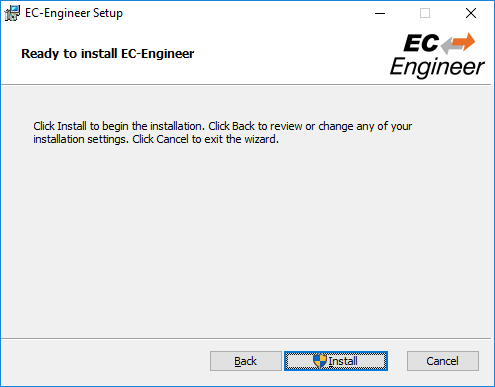
- Installing EC-Engineer:
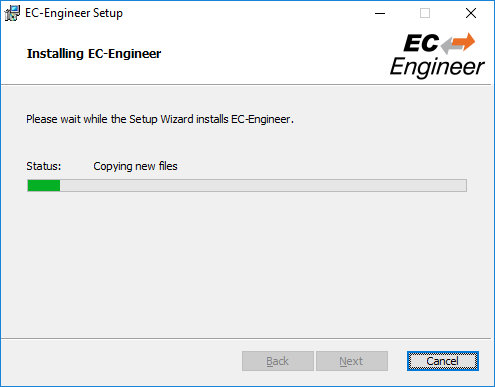
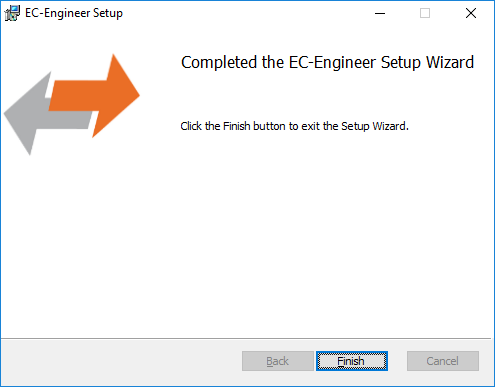
- Installation Complete:
2.2. Silent Installation (optional)
The product can be also installed in silent mode by using the command line parameters of msiexec.
Sample 1: Installs EC-Engineer into default installation folder
msiexec /i c:/temp/ECEngineerSetup.msi /quiet /qn /norestart /log c:/temp/install.log
Sample 2: Installs EC-Engineer into C:/EC-Engineer
msiexec /i c:/temp/ECEngineerSetup.msi /quiet /qn /norestart /log c:/temp/install.log INSTALLLOCATION="C:/EC-Engineer"
For more information please refer command line parameters of msiexec.
Note
The system requirements Supported Slaves of Beckhoff EL6xxx will be not checked!
2.3. File and Folder Structure
The setup process will copy all necessary files into the following folder:
- Installation directory: (Default:
%ProgramFiles%/acontis_technologies/EC-Engineer) /DocRelease notes and the user manual
/EECFiles for mapping emergency error codes
/LanguagesLanugage specific files
EC-Engineer.exeEcMaster.dll…
- All users directory: (
%ALLUSERSPROFILE%/EC-Engineer, likeC:/ProgramData/EC-Engineer) /CAPTURECapture files which can be analysed in offline diagnosis mode (see Capture File)
/EtherCATEtherCAT Slave Information (
ESI) Files Can be modified via ESI-Manager/EMIEtherCAT Master Information files (see Themes)
ESICache.xmlESI-File-Cache for faster access of
ESIfilesEC-Engineer.logLog file
User.myusername.xmlUser specific settings
2.4. NDIS Driver
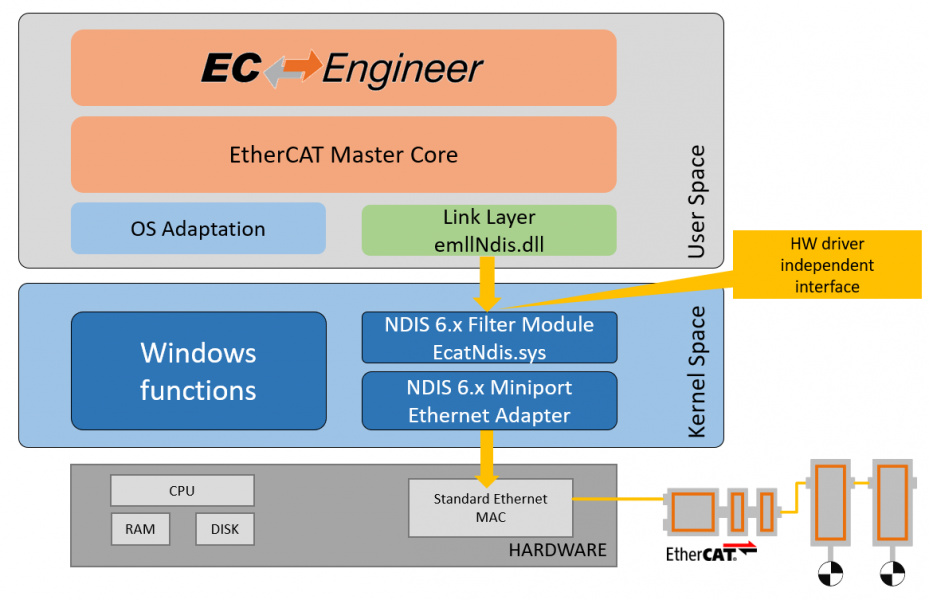
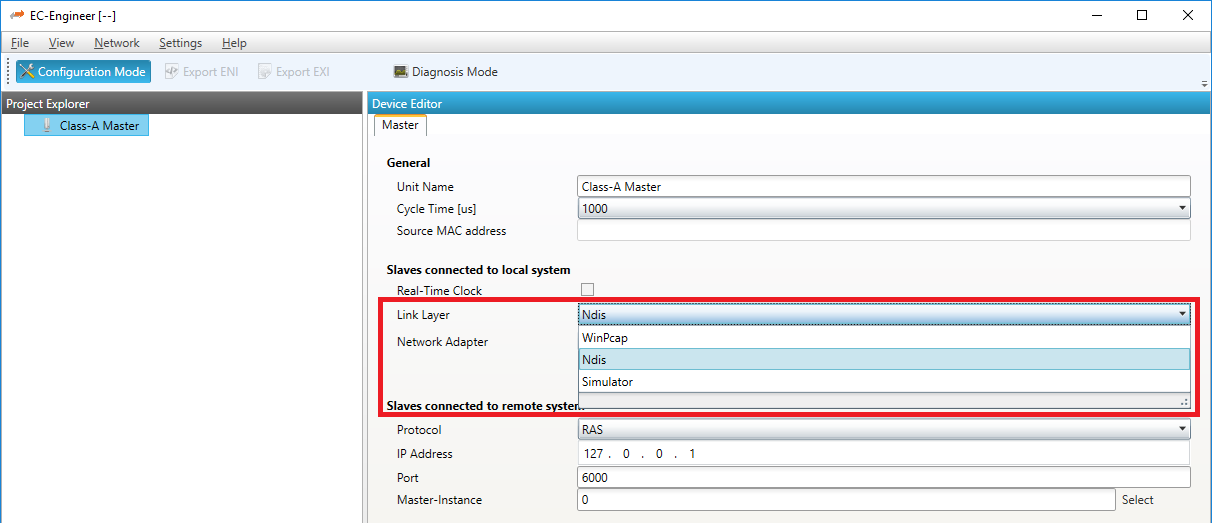
The Network Driver Interface Specification (NDIS) is the specification for a network driver architecture that allows transport protocols like TCP/IP to communicate with an underlying physical network adapter. For sending and receiving EtherCAT frames in Windows, EC-Engineer makes use of the well-known Windows packet capture library, WinPcap. However, WinPcap was based on the NDIS 5.x driver model, and development has ceased. The latest versions of Windows 10 do not support this old NDIS 5.x version anymore, so now EC-Engineer (V3.2 and higher) includes an installation package in the install directory of EC-Engineer to install the acontis NDIS 6.x Filter Module EcatNdis.sys. With this new Filter Module and the new NDIS Link Layer emllNdis.dll, it is now possible for EC-Engineer to work without WinPcap on all Windows 10 versions.
Note
Please restart EC-Engineer after the NDIS installation.