13. Settings
13.1. Hypervisor settings
Some of the many settings that are available in the Hypervisor can be controlled by the System Manager. You need to select the Settings tab to adjust such configuration settings.
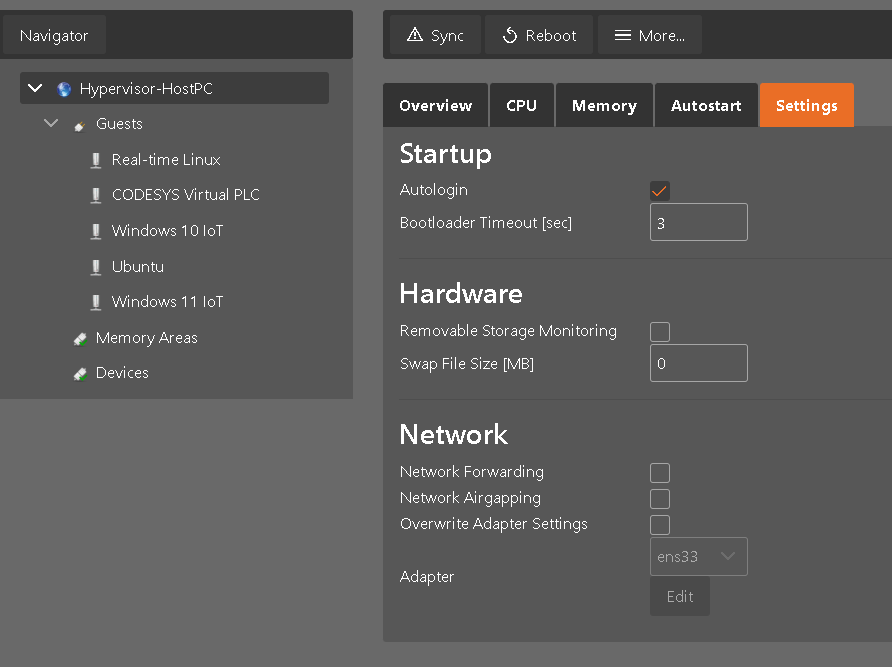
13.1.1. Hypervisor startup
The bootloader timeout as well as autologin can be controlled in the Startup section.
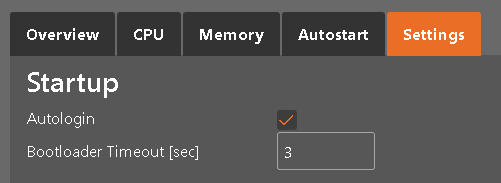
13.1.2. Hardware related settings

If Removable Storage Monitoring is enabled, there will be an automatic detection if storage media like USB memory sticks are connected to the PC. In such case, a share for KVM guests will be generated and guests like Windows or Linux can access such media. You may take a look into the Hypervisor manual (section Sharing removable devices) to get more detailled information about this feature.
The Swap File Size setting can be used to provide additional virtual memory for KVM guests. The default (and minimum) swap size is 1024 MByte.
13.1.3. Network settings
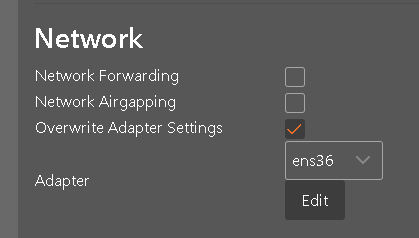
If network traffic shall be forwarded between different network adapters, the Network Forwarding checkbox has to be enabled. Network forwarding is required if TCP/IP traffic shall be forwarded from externally connected systems to Real-time guests.
If you want to completely disconnect the Hypervisor host itself from the network (e.g. for security reasons) you may enable the Network Airgapping checkbox. See section Network airgapping in the Hypervisor manual for more details.
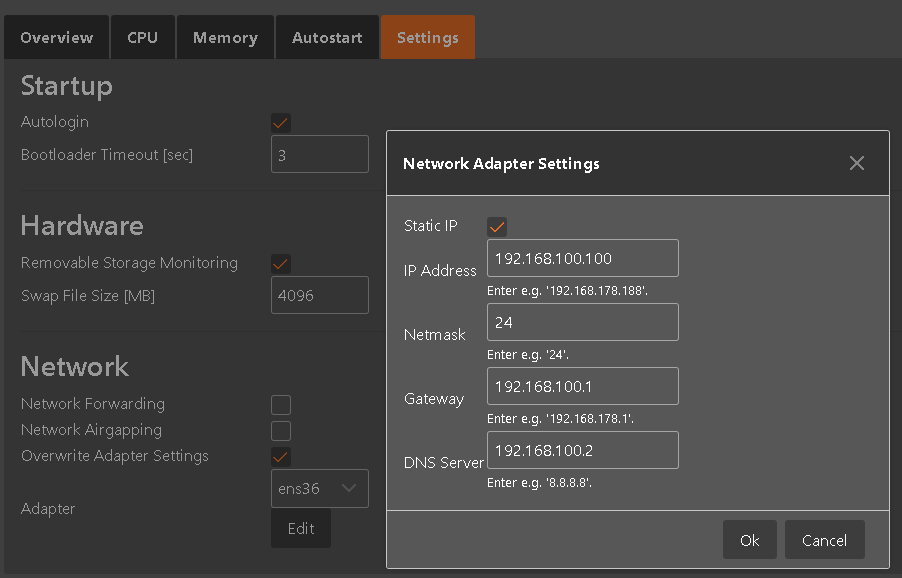
The setting for each network adapters that are available can be overwritten. By default, all such adapters are configured to using DHCP. You may select an adapter and then adjust the settings appropriately:
Caution
If you change network settings remotely, make sure you do not accidentally cut the network connection to the browser where the System Manager is running.
13.2. System Manager internal settings
The following settings (stored in /hv/sysmgr/HvSystemManager.xml) can be used to change the behavior of the System Manager itself.
If you want to edit this file, you need to have root rights:
cd /hv/sysmgr
sudo mousepad HvSystemManager.xml
Hint
SystemManager has to be stopped before editing HvSystemManager.xml
Setting |
Description |
|---|---|
ServerPort |
System Manager Listening port |
RemainingHostMemory |
Memory size in MB which should remain for Hypervisor Host |
LogLevel |
0 = off 1 = Debug (verbose) 2 = Info 3 = Warning 4 = Error |
EnableSessionManager |
True: only a single session is allowed. False: multiple parallel sessions are enabled (not recommended!) |
EnableDynamicCpuConfig |
True: arbitrary CPUs can be used by the RTOS. False: only the last n CPUs can be used by the RTOS. |
TimerSleepTimeMs |
Basic sleep timer delay |
TimerNormalCount |
Timer multiple for normal polling |
TimerSlowerCount |
Timer multiple for slow polling |
TimerSlowestCount |
Timer multiple for slowest polling |
HardwareTcpTimeout |
Timeout for TCP Gateway (msec) |
HardwareMqttTimeout |
Timeout for MQTT Gateway (msec) |
PrintSysmgrMessages |
True: print script messages for System Manager |
AnalyzerThresholds |
CT_CHK: clock throttling check (0=disabled, 1=enabled) CT_GOOD: CT check percentage for green light CT_BAD: CT check percentage for red light TL_CHK: task latency check (0=disabled, 1=enabled) TL_GOOD: TL check percentage for green light TL_BAD: TL check percentage for red light SMI_CHK: System Management interrupt check (0=disabled, 1=enabled) |
EnableFileLogger |
True: write log file |
WorkingDir |
System Manager working directory (e.g. for storing project files) |
HsiPath |
Hypervisor System Information folder |
LogFileName |
Folder and filename of system manager logfile |