6. Guest Memory
6.1. Memory for RTOS guests
Each RTOS is assigned a specific amount of memory. Two memory sections can be configured. The first memory section is statically removed from Hypervisor Host before booting. The second section (dynamic) is located in a shared memory area and added to the RTOS guest heap when the RTOS is booted.
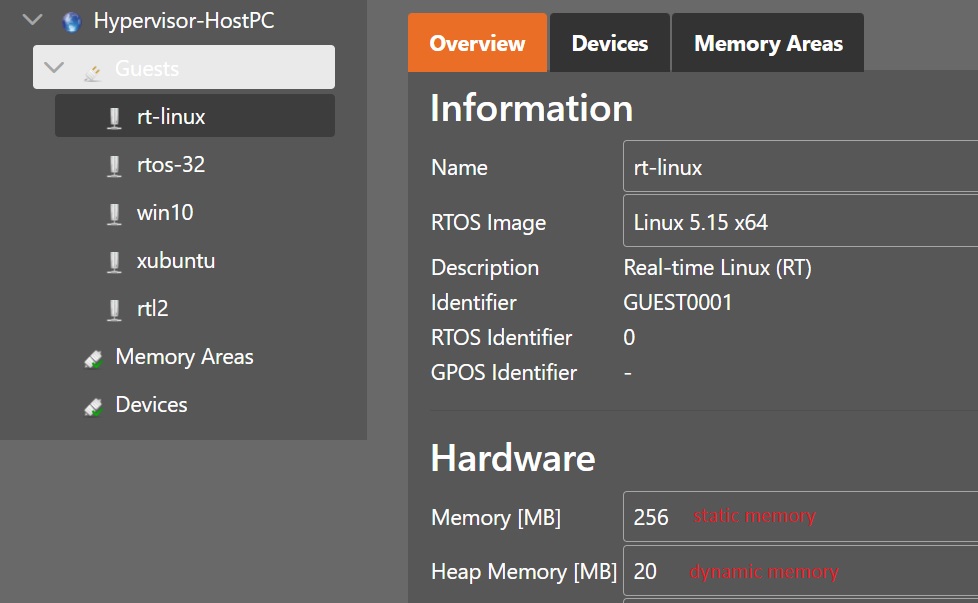
How the System Manager organizes the RTOS guests (and other hypervisor components) in memory can be determined in the memory tab.
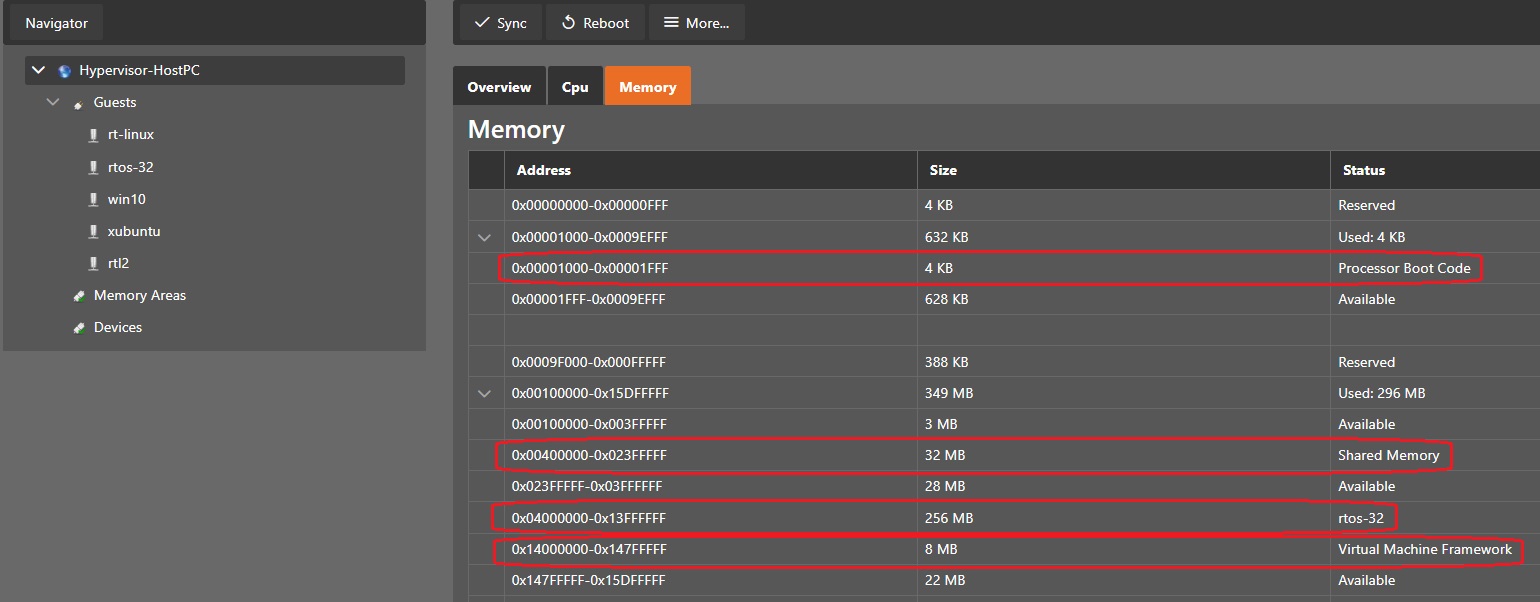
Heap memory for the RTOS is shown in the memory area tab of the respective RTOS guest.

Hint
Some RTOS guest images have restrictions, where they can be physically located in main memory.
These restrictions are stored in /hv/templates/images.xml. The settings are explained within this xml file.
For example, VxWorks or RTOS-32 guests are statically linked to fixed physical addresses. These addresses are set using the BaseAddr setting.
6.2. Memory for General Purpose (KVM) guests
The amount of memory which a KVM guest can use is configured in the overview section of the guest.
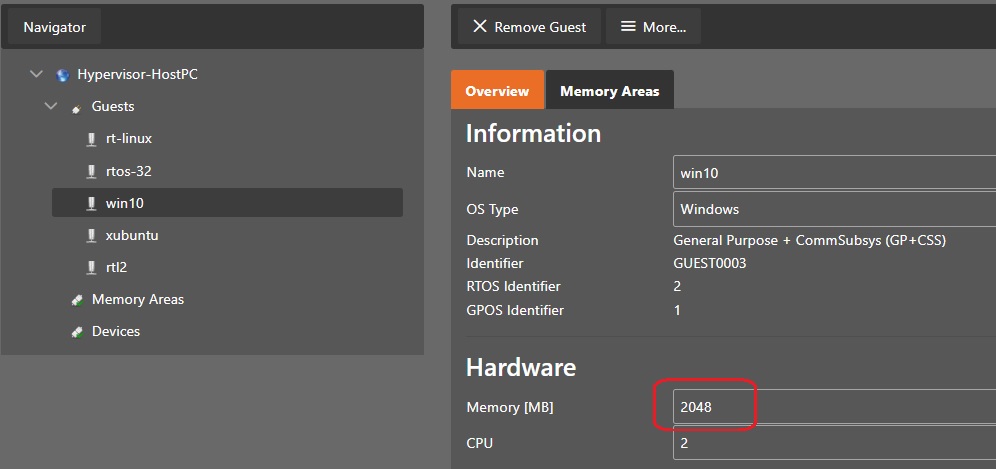
Memory for KVM guests is dynamically allocated at the time, when the guest is booted. The Hypervisor Host will require a minimum amount of memory to work correctly. To avoid unexpected behavior, the System Manager will assure that a specific amount of memory will be reserved for the Hypervisor Host. This is defined in the System Manager setting RemainingHostMemory, see also here.