4.6. Microsoft Windows
4.6.1. OS Compiler settings
Besides the general settings from OS Compiler settings the following settings are necessary to build the example application for Windows.
- Extra include paths
<InstallPath>\SDK\INC\Windows
<InstallPath>\Examples\Common\Windows
- Extra source paths
<InstallPath>\Examples\Common\Windows
<InstallPath>\Sources\OsLayer\Windows
- Extra library paths to the main EtherCAT components
<InstallPath>\SDK\LIB\Windows
4.6.2. RtaccDevice for Real-time Ethernet Driver
As alternative to the NDIS based or Pcap based Ethernet Driver, an optional Real-time Ethernet Driver on Windows can be installed. The Real-time Ethernet Driver replaces the original Windows driver and also requires an extra license.
To use the Real-time Ethernet Driver under Windows, it is necessary to install the RtaccDevice driver included in the Real-time Ethernet Driver delivery:
- Start the “Device Manager”
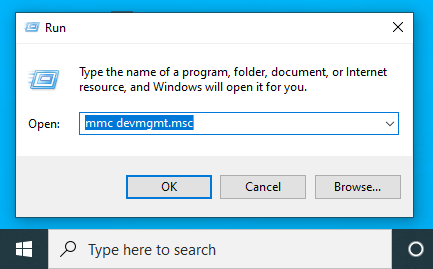
- Assign RtaccDevice to the network adapter


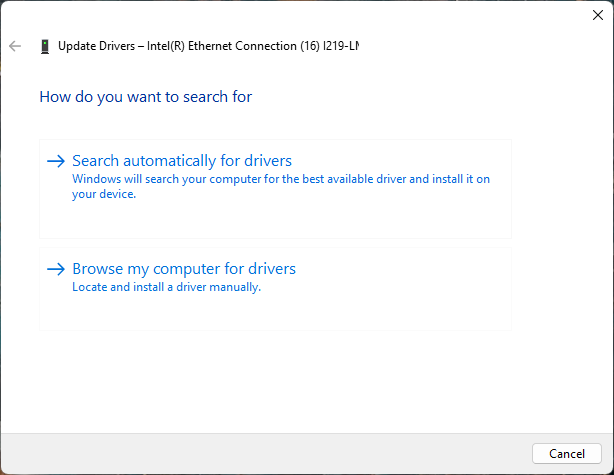
Click on “Browse my computer for driver”
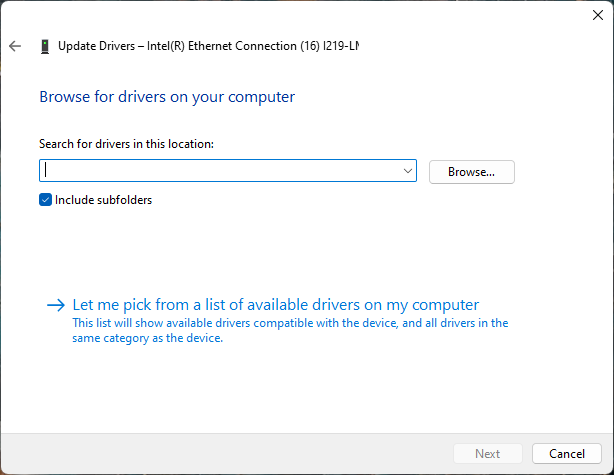
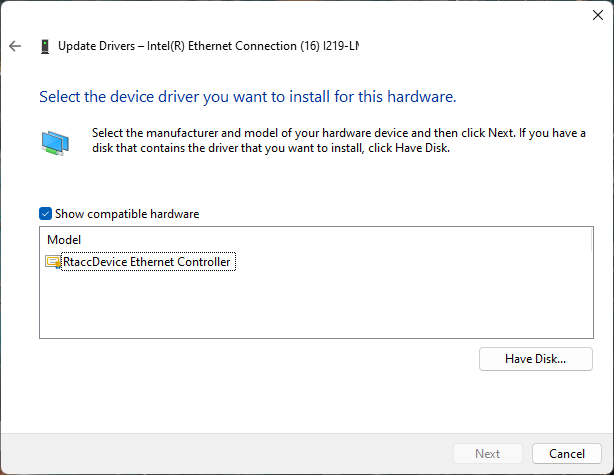
Click on “Let me pick…”
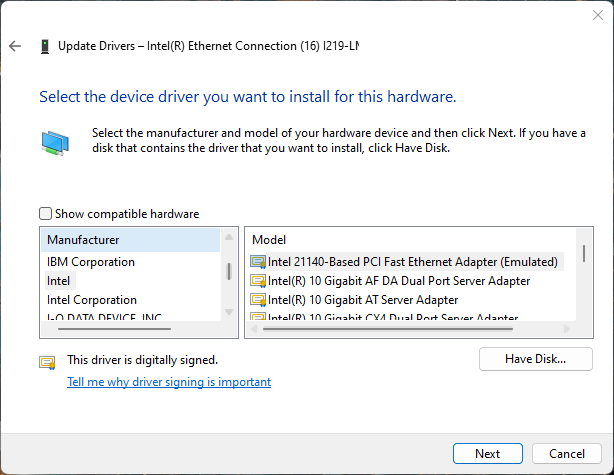
Click on “Have Disk…”
Enter the directory of RtaccDevice Driver
The default folder if not changed is
<InstallPath>\Bin\Windows\x64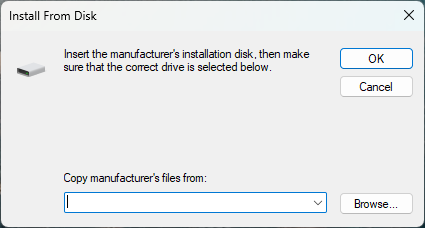
Enter the correct directory at the input box and press OK to proceed.
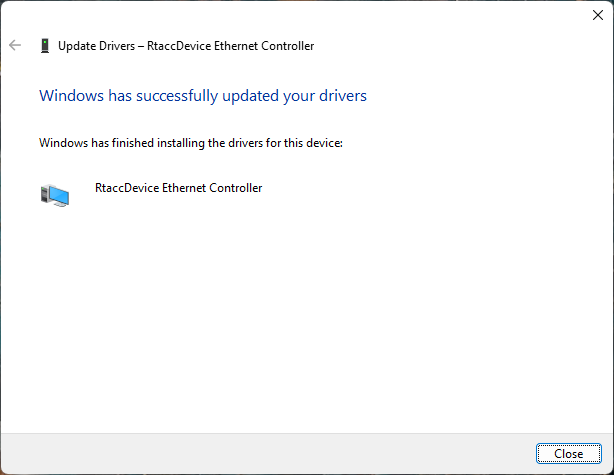
- Choose the RtaccDevice Driver and click “Next” and confirm the installation
Optionally modify search location Real-time Ethernet Driver
Search locations for Real-time Ethernet Driver can be adjusted using the PATH environment variable.